Display and location
Choose display size, orientation, mounting and operating schedule around viewing distance, ambient light, wall conditions and service access. Coordinate power and data at each endpoint.

Deliver clear, scheduled messages across displays that your team can update and support.
Greater Denver and the Front Range
Products, interfaces and exact scope are confirmed after reviewing the facility.
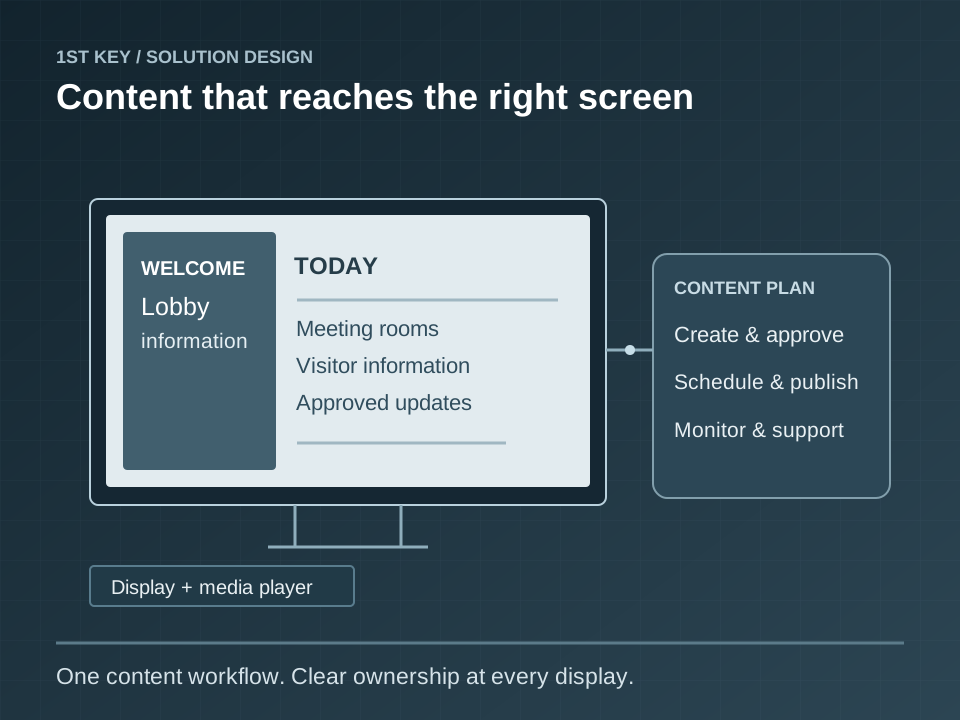
Separate the display installation from the content operation. Agree who creates, approves and publishes messages, then plan screen locations, readable layouts, connectivity and the behavior when a player goes offline.
Check viewing distance, daylight glare, display orientation, mounting access and ventilation before installation. Verify both a scheduled content change and the agreed playback behavior during a network outage.
Hand over display and player inventories, account ownership, content templates, scheduling instructions and a tested update process.
We confirm existing conditions and customer responsibilities before finalizing products, interfaces, tests and the documentation needed to support the installed system.
A useful design connects components, people, failure conditions and a testable handoff.
Choose display size, orientation, mounting and operating schedule around viewing distance, ambient light, wall conditions and service access. Coordinate power and data at each endpoint.
Assign author, approver and publisher roles. Build readable templates and playlists, define time zones and schedules, and identify who maintains source content after installation.
Match players to resolution, output count and the supported content platform. Review connectivity, device credentials, updates, remote diagnostics and the agreed offline playback configuration.
Verify a real content update, schedule transition, restart and connectivity interruption. Deliver device identifiers, account ownership, approved templates and operating instructions.
Five possible applications to explore during discovery. These describe capabilities and design scenarios, not completed customer projects.
Schedule visitor information and tenant announcements on commercial lobby displays.
Present hotel event locations and meeting schedules through an owner-managed content platform.
Coordinate menu displays, media players and update responsibilities across restaurant locations.
Publish approved internal communications on warehouse and office screens.
Refresh campus information displays with centrally managed playlists and documented device support.
Our pre-site safety review, field documentation and customer acceptance process help keep the installed condition visible to the people who will operate and maintain it. For digital signage, the closeout conversation should include: Verify a real content update, schedule transition, restart and connectivity interruption. Deliver device identifiers, account ownership, approved templates and operating instructions.
We ask for the existing drawings, device inventory, network and power ownership, known deficiencies and the people who will use the system. The final scope and acceptance criteria follow those answers.
The owner should designate content authors, approvers and publishers. The project can include platform configuration, templates and training; ongoing content production is defined separately in the agreed scope.
Playback behavior depends on the player and content configuration. We define and test the expected offline behavior, remote monitoring and restoration process before handoff.
| Decision | What to confirm |
|---|---|
| Scope | Confirm the devices, areas and operating modes included in the work; record exclusions. |
| Dependencies | Check viewing distance, daylight glare, display orientation, mounting access and ventilation before installation. Verify both a scheduled content change and the agreed playback behavior during a network outage. |
| Handoff evidence | Verify a real content update, schedule transition, restart and connectivity interruption. Deliver device identifiers, account ownership, approved templates and operating instructions. |
Have a building in Colorado? 1st Key stands ready and able to help. Tell us the location and what needs attention; we will confirm service availability and scope.
Describe the facility, the existing equipment and the outcome you need. We can discuss design, deployment or service.